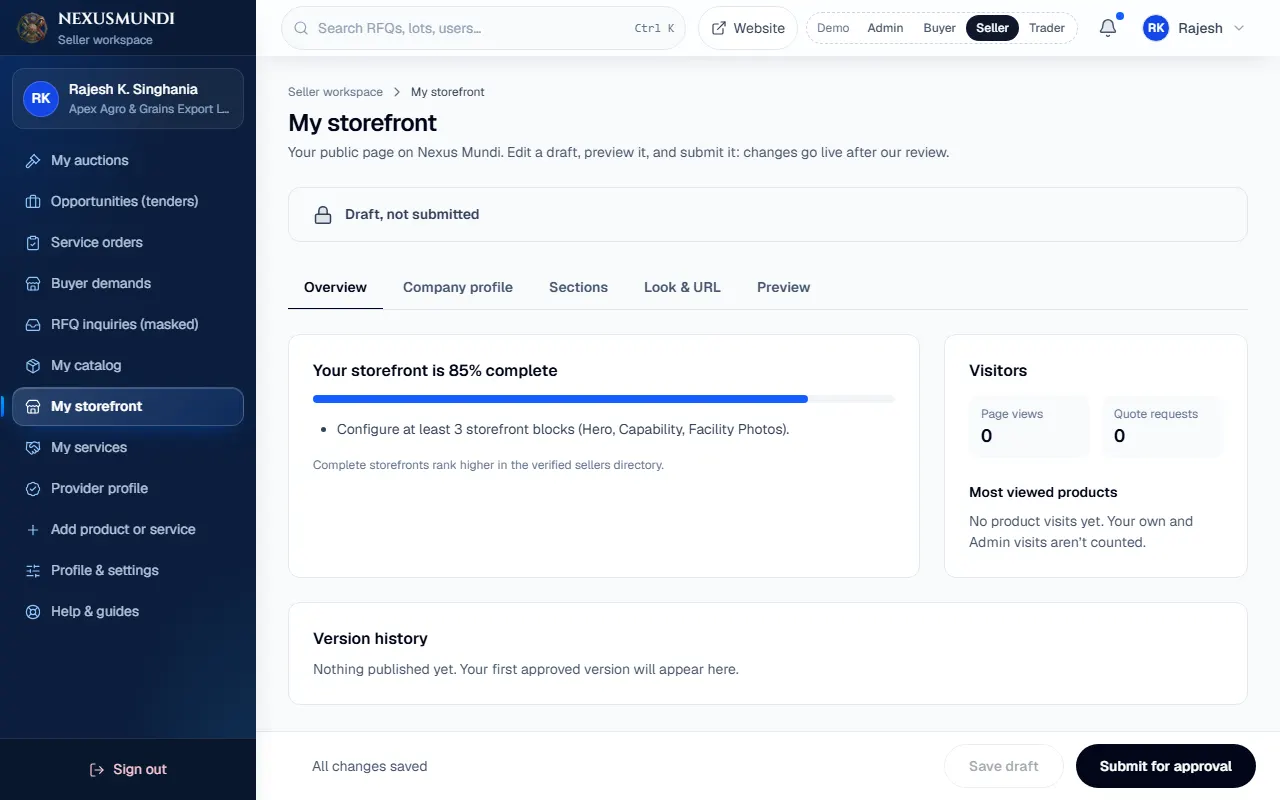
Your storefront
Build your storefront
Your public page: introduction with banner and video, capability, featured products and facility photos.
Steps
Open My storefront. Open it
Company profile: business type, established year, team, capacity, ports and markets.
Sections: add Introduction (headline, tagline, banner photo, a YouTube or Vimeo Video link), Capability, Featured products and Facility photos. Drag or use the arrows to reorder; hide what you don’t want.
Look & URL: colour and your page address.
Preview, then Send for approval. The trade desk compares it with your live page and publishes it.