Auctions
Put a lot up for auction
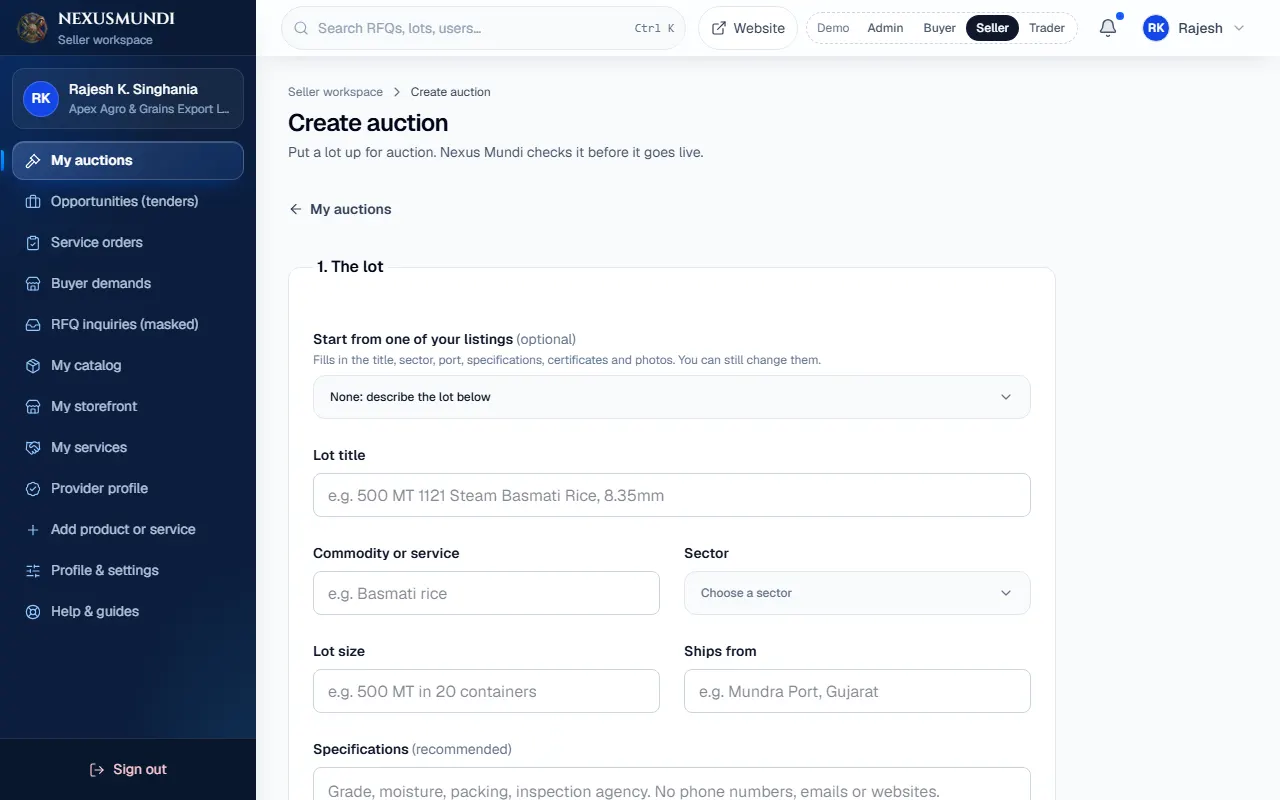
Create an open or sealed auction from your catalogue, with photos, documents, prices and timing. The trade desk approves it.
Steps
Open My auctions and click Create auction (or start from a live listing). Open it
Choose open (rising bids) or sealed (one blind bid each).
Fill in the lot: title, sector, quantity, location and specifications.
Photos: Upload photos (on the demo site: Add photo from the library or paste a link). Documents: Upload documents (inspection report, lab assay, packing list).
Prices: reserve (hidden lowest price), optional starting bid and Buy-Now price.
Timing: start now or later, and how long it runs (at least the minimum the trade desk sets).
Click Send for approval. The trade desk checks it and makes it live.